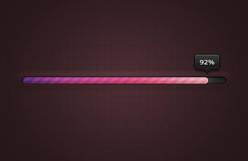
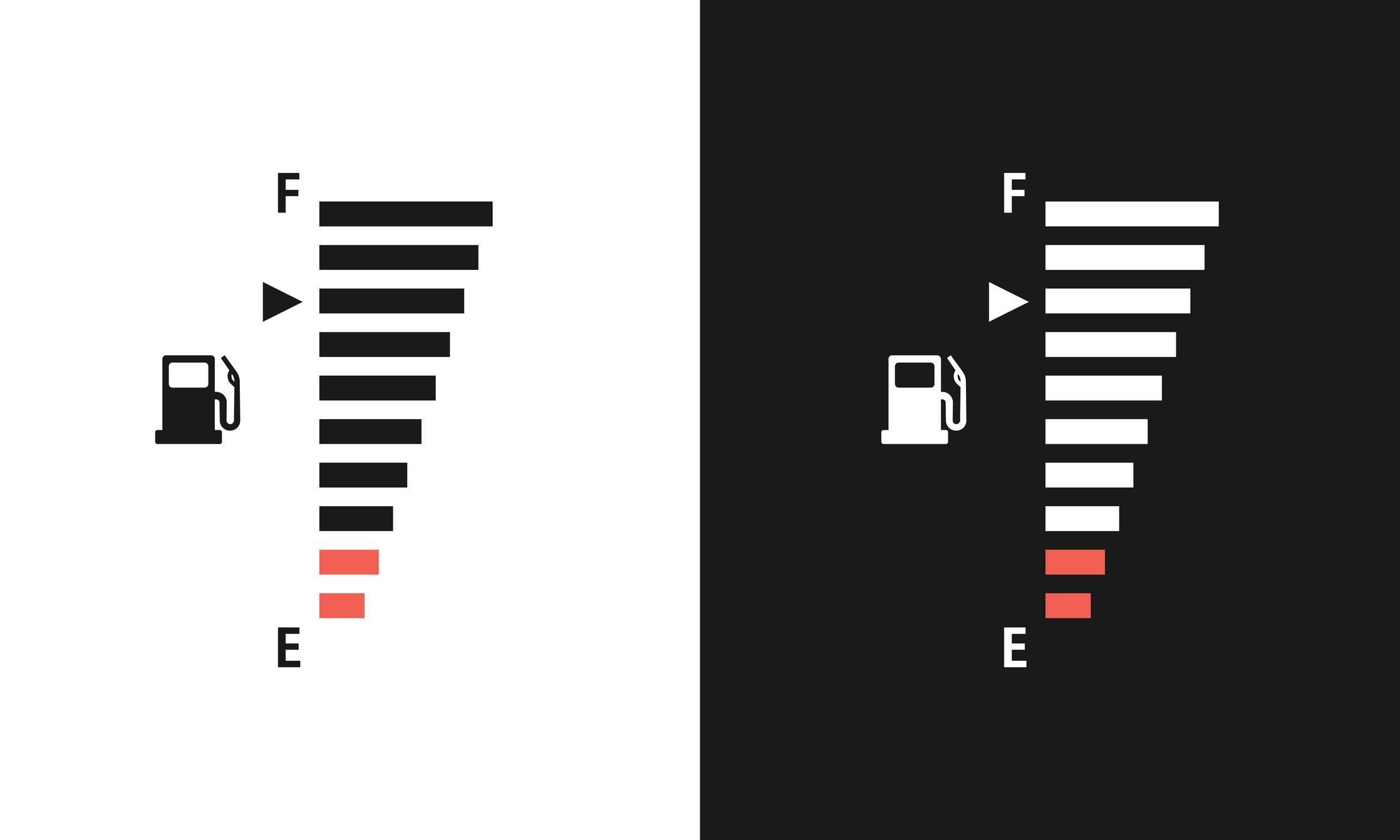
The Progress Bar and ProgressBar_V widgets have the same properties and provide the same functionality. The main difference is the direction in which the progress bar fills.
Progress Bar is a horizontal progress bar. The progress increases from “left to right”.
ProgressBar_V is a vertical progress bar. The progress increases from “bottom to top”.
Why are there two widgets?
Both widgets provide the same functionality, but they are intended for different interface layouts. This gives you the flexibility to choose the one that best fits your design.
When should I use Progress Bar?
Use Progress Bar when a horizontal progress indicator fits your interface, such as for loading screens, download progress, or status bars.
When should I use ProgressBar_V?
Use ProgressBar_V when a vertical progress indicator is a better fit, such as in dashboards, side panels, or layouts where a vertical display is more suitable.
Since both widgets have the same properties and work in the same way, the only thing you need to decide is whether you want the progress bar to fill from left to right or from bottom to top.