Disclaimer: The solutions provided by Candera are demo samples and are intended as showcase for potential projects with Candera CGI Studio CE. The solutions have been tested in our own development and test setup with Raspberry Pi 5 and may require adaptions to properly work in your own environment.
 The idea
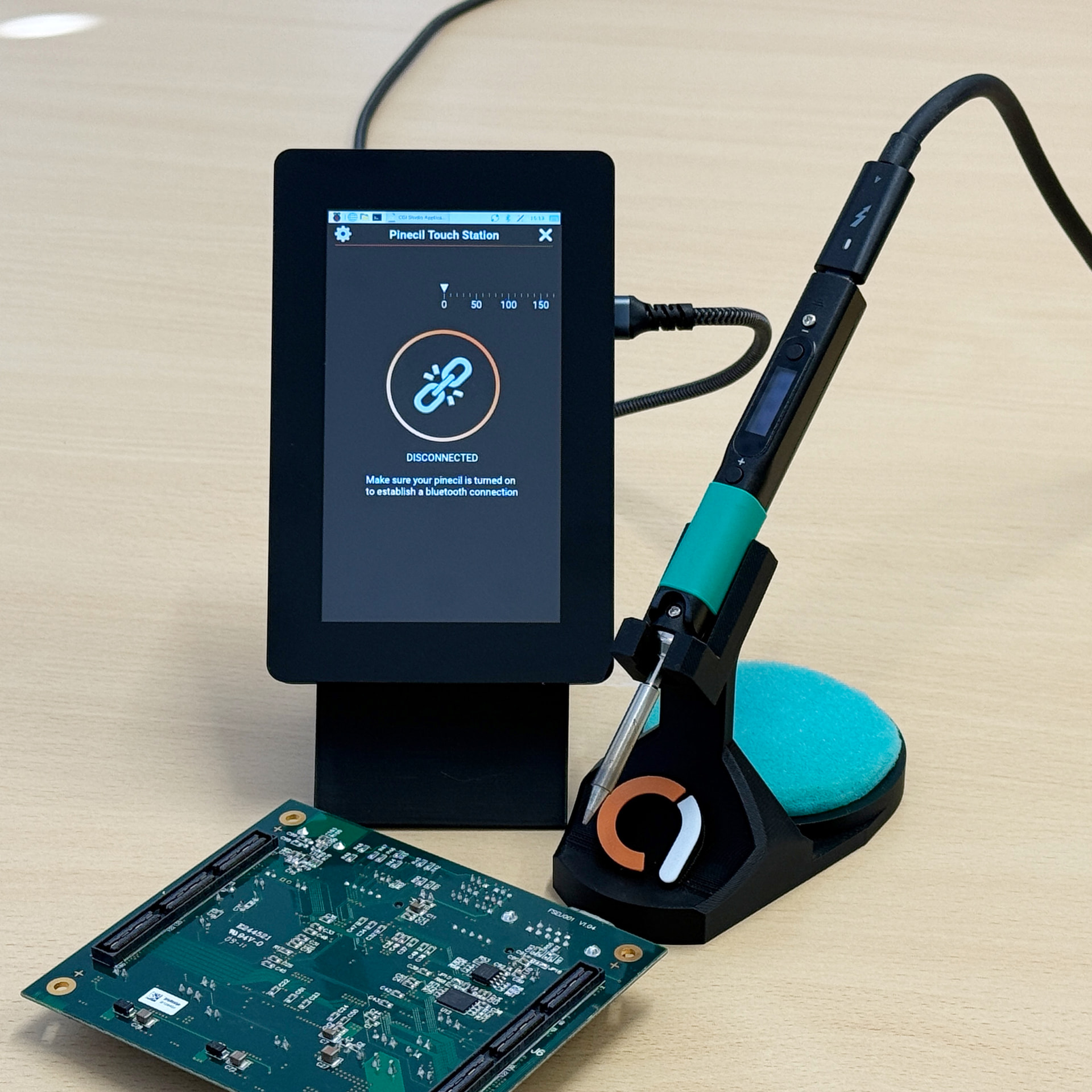
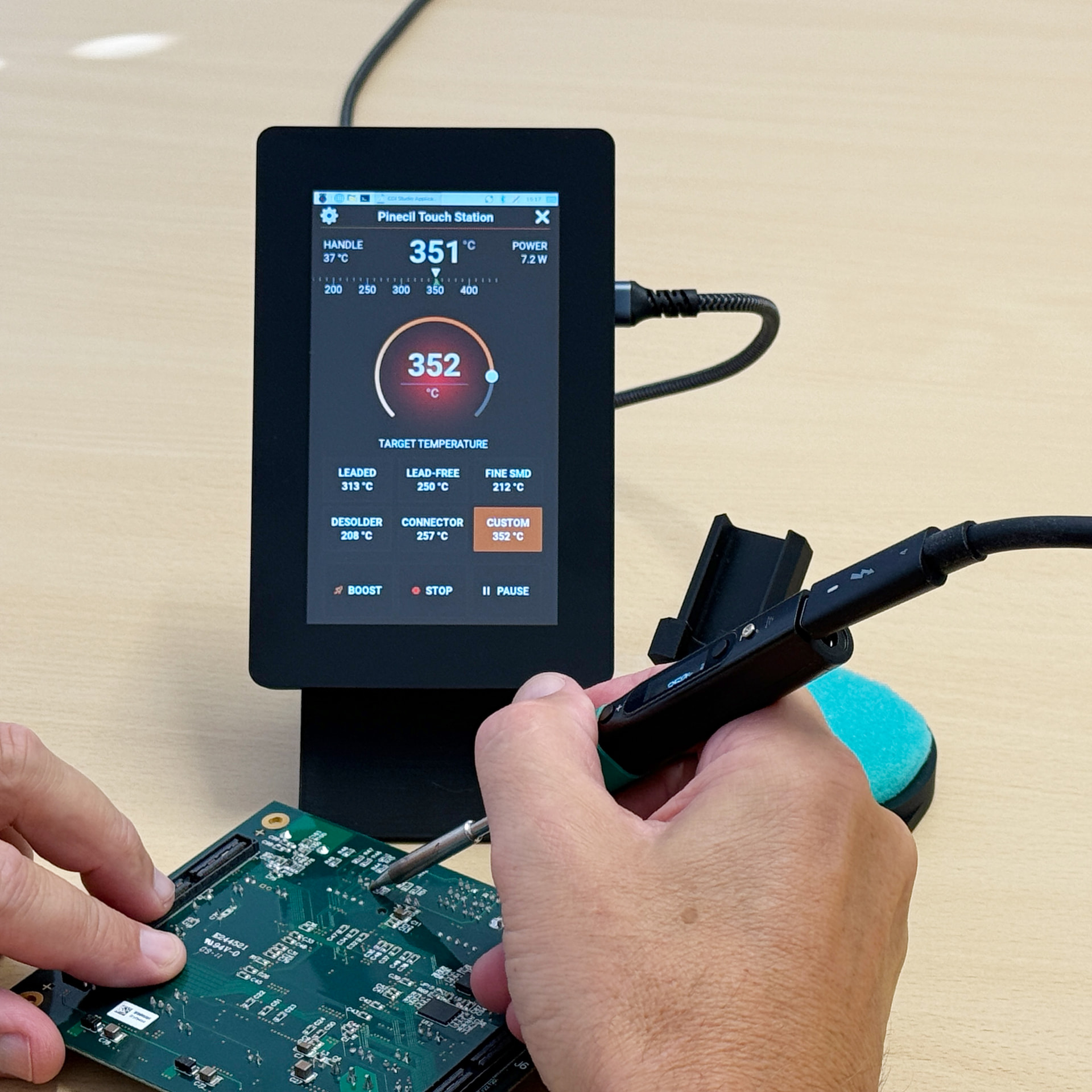
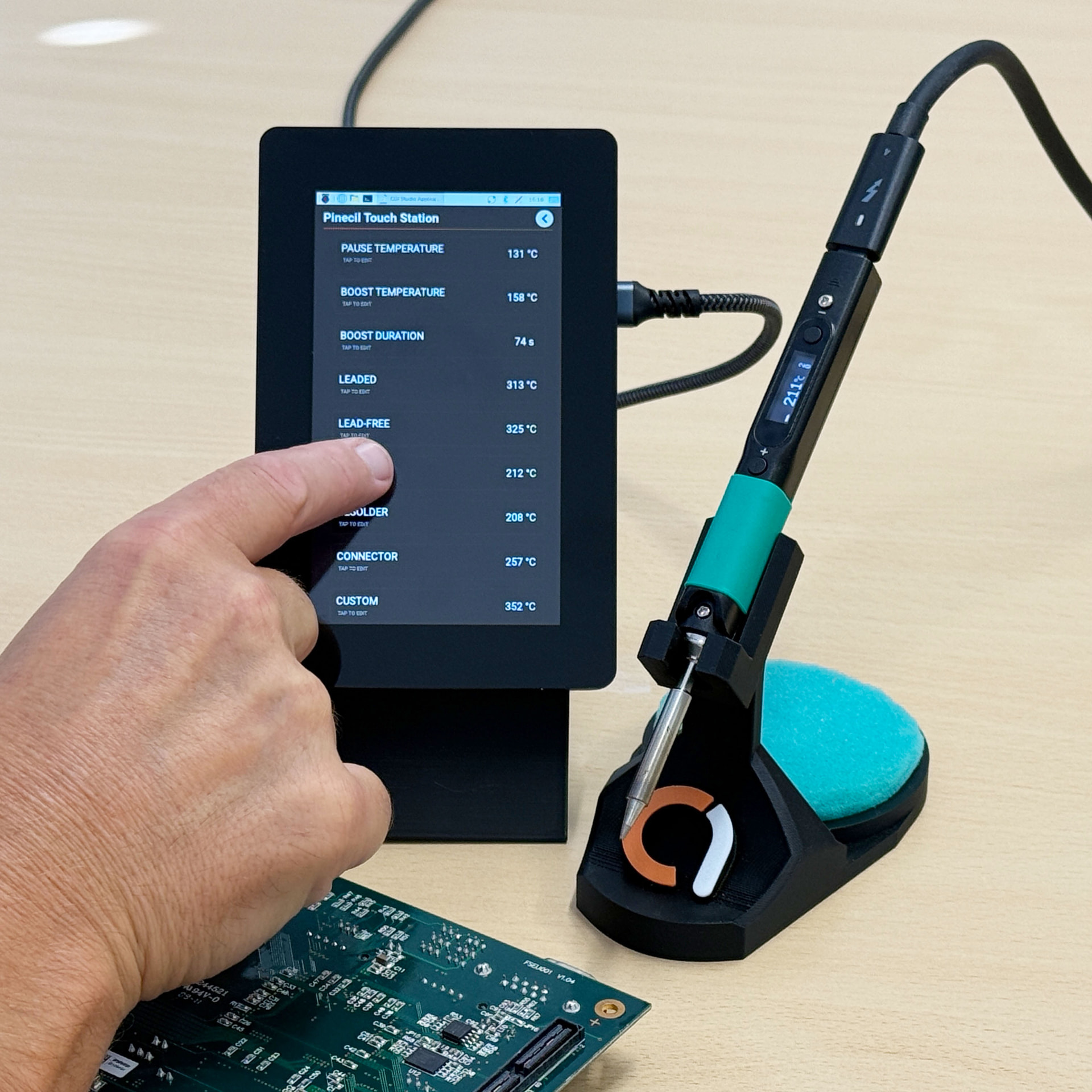
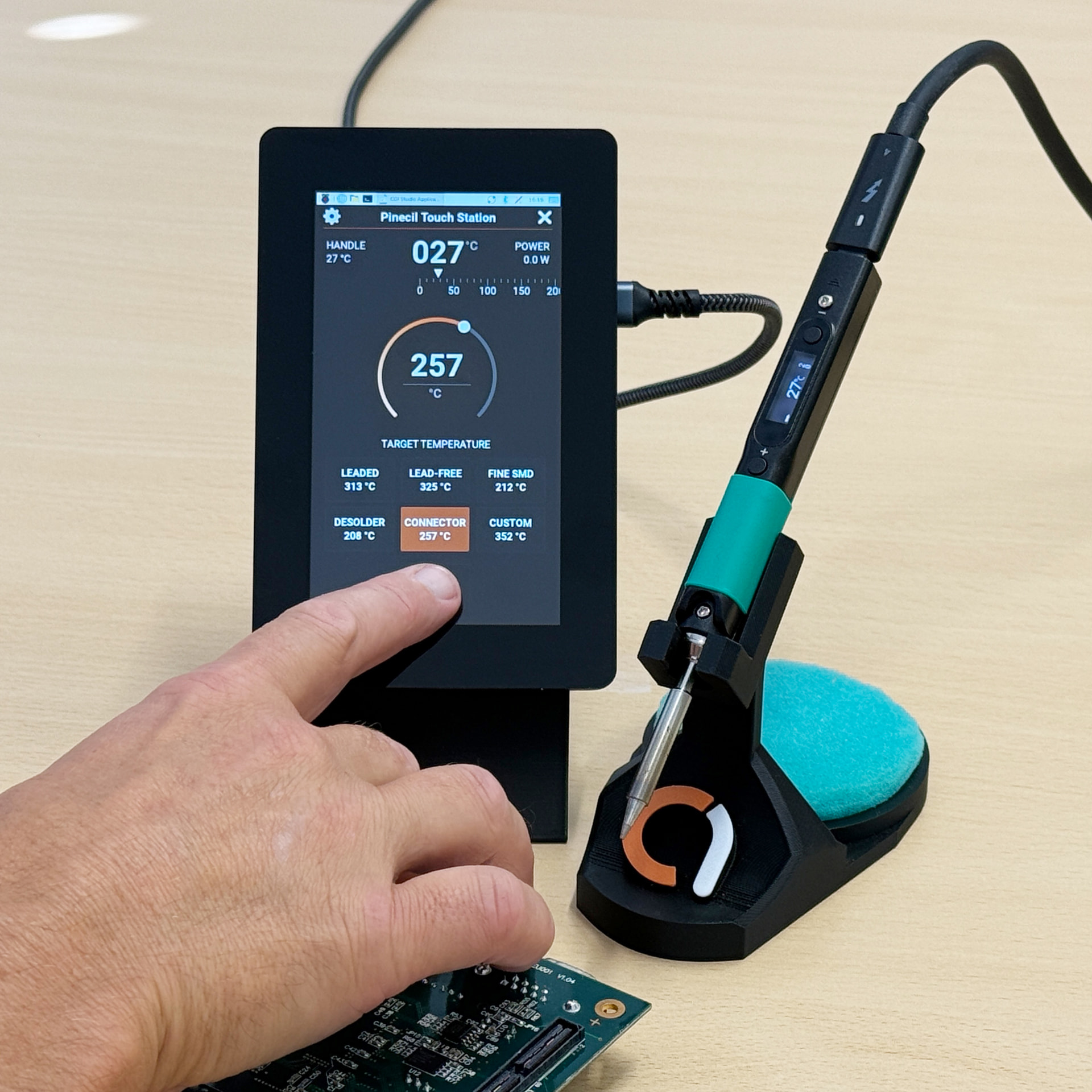
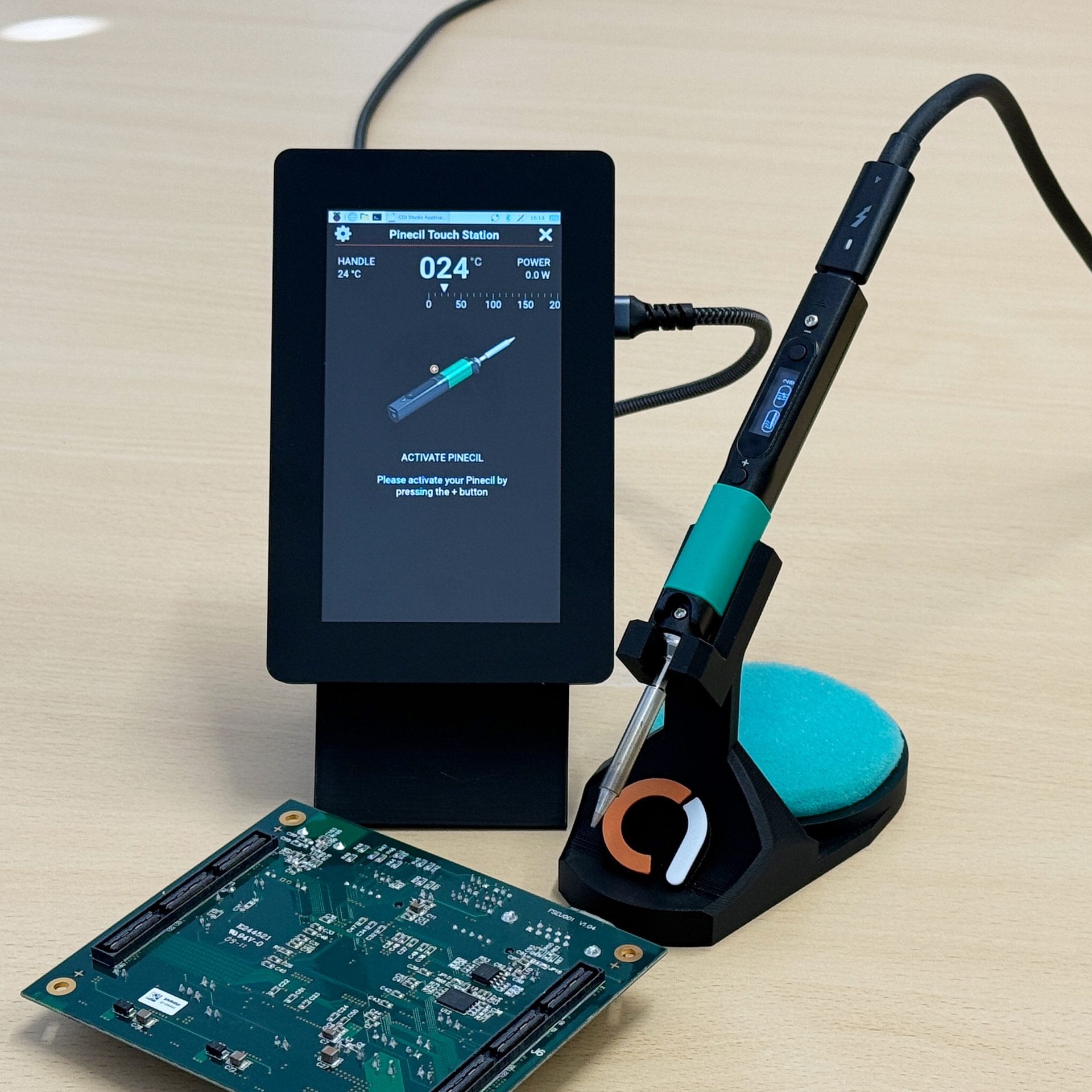
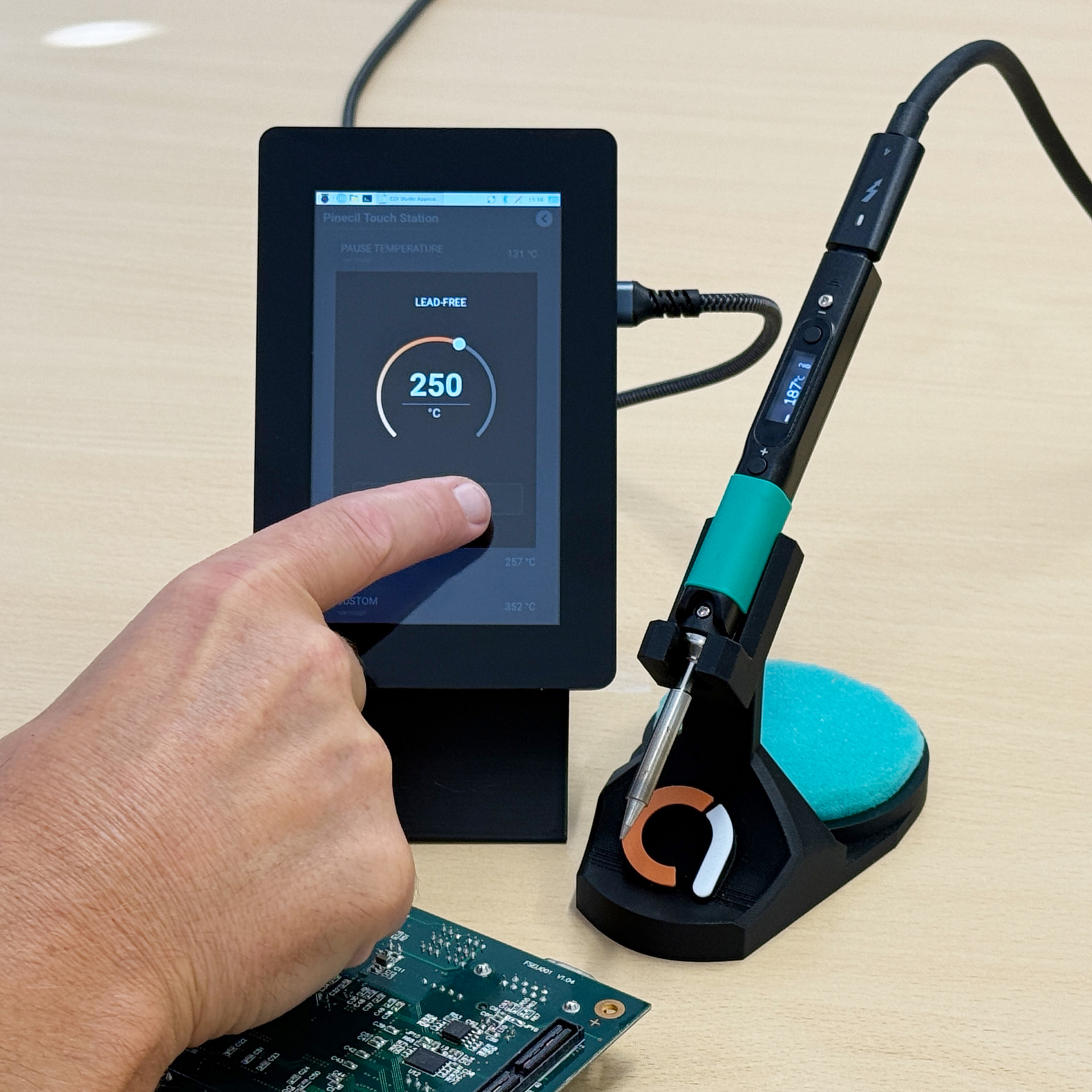
As already quickly described in our developer diary series, we were working on a screen for the Pinecil smart soldering iron. The soldering iron already features an integrated screen, however, we thought that we can create a real added-value here by implementing a separate touch screen that makes the everyday-use of this product even simpler and more comfortable.
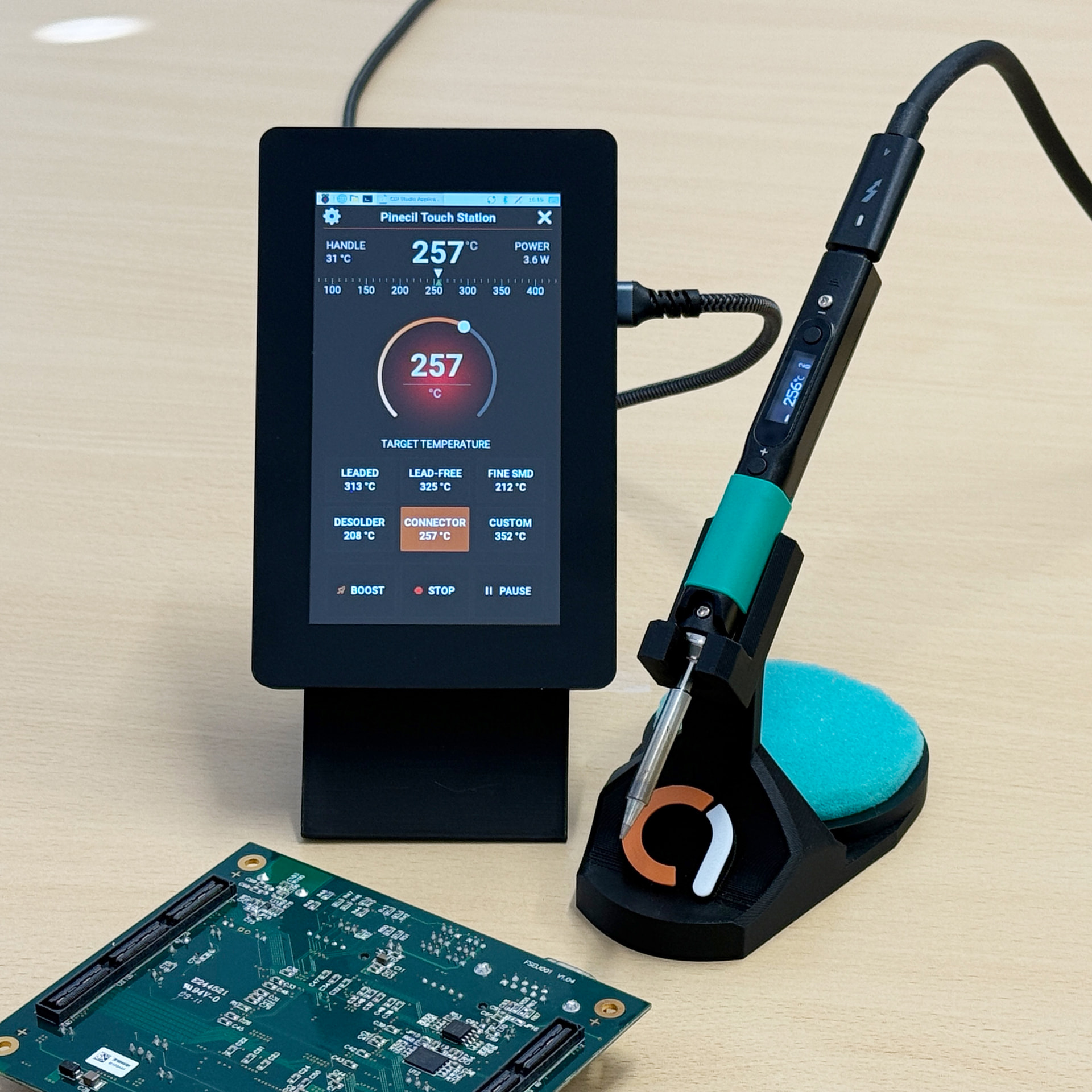
The solution is available in our Downloads section.
 The setup
In this case we were able to utilize the bluetooth connectivity of both smart soldering iron and Raspberry Pi for connecting both devices. That is really all there is to it setup wise. You won’t need any internet connection. The only important point to remember is to use a powerful USB-C connection for the soldering iron, since otherwise you won’t be able to heat the iron up properly.
 Required skills: Beginner
Deploying the solution on hardware and integrating it will require some basic skill set. The step-by-step guide can be found in the README.md file that is part of the download package.
In case you have questions or find yourself not managing the setup, please let us know and we will support you.
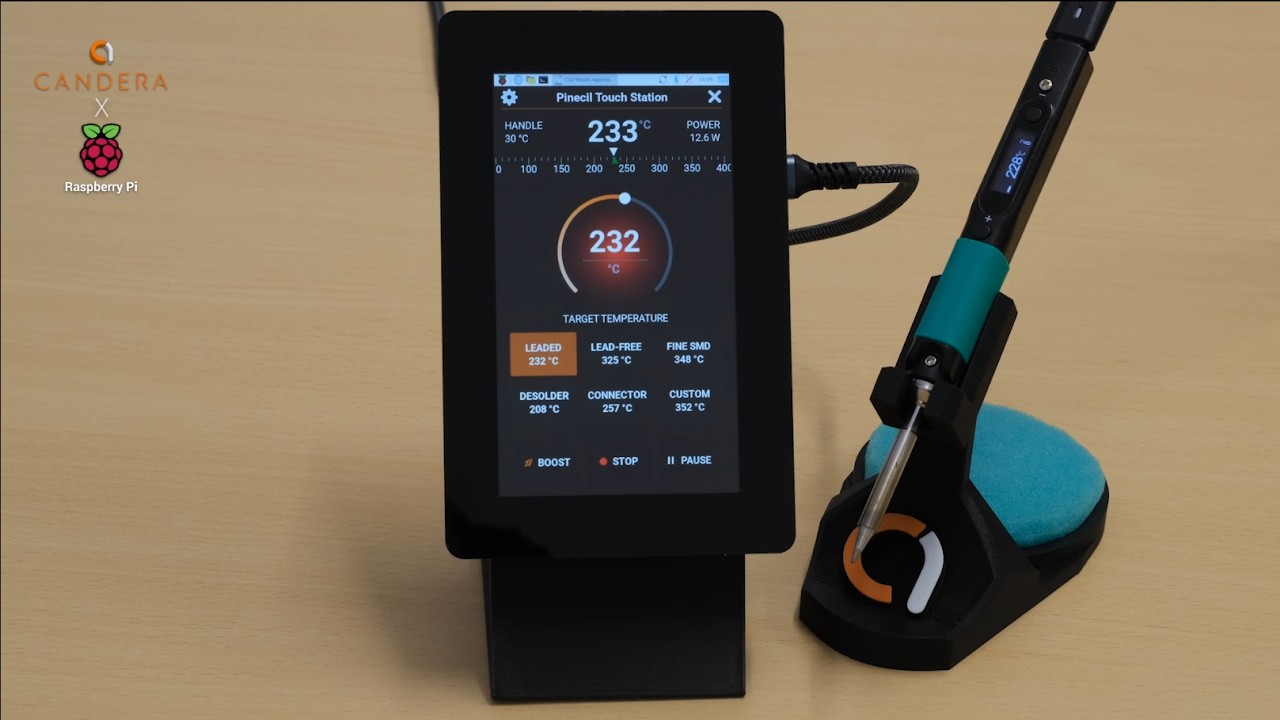
 The demo
 Some more impressions